
Capture guide
How to record a useful walkthrough.
You don't need special equipment to contribute. A modern phone and a few minutes of preparation make a walkthrough far more useful to Ovara.
Recording guidelines
Before recording
- Open blinds and curtains where appropriate.
- Turn on interior lighting.
- Open interior doors.
- Remove obvious obstacles from walkways.
- Clean the phone camera lens.
While recording
- Hold the phone horizontally unless Ovara specifies otherwise.
- Walk slowly and steadily.
- Avoid rapid rotations and sudden camera movement.
- Keep rooms in view rather than pointing at floors or ceilings.
- Walk through connecting spaces naturally.
- Capture the transitions between rooms.
- Avoid excessive motion blur. Slow down in darker areas.
- Avoid stopping and restarting unnecessarily. One continuous recording is ideal.
Coverage
- Entrances
- Hallways
- Room transitions
- Major rooms
- Connecting spaces
Why it matters
Continuity is everything.
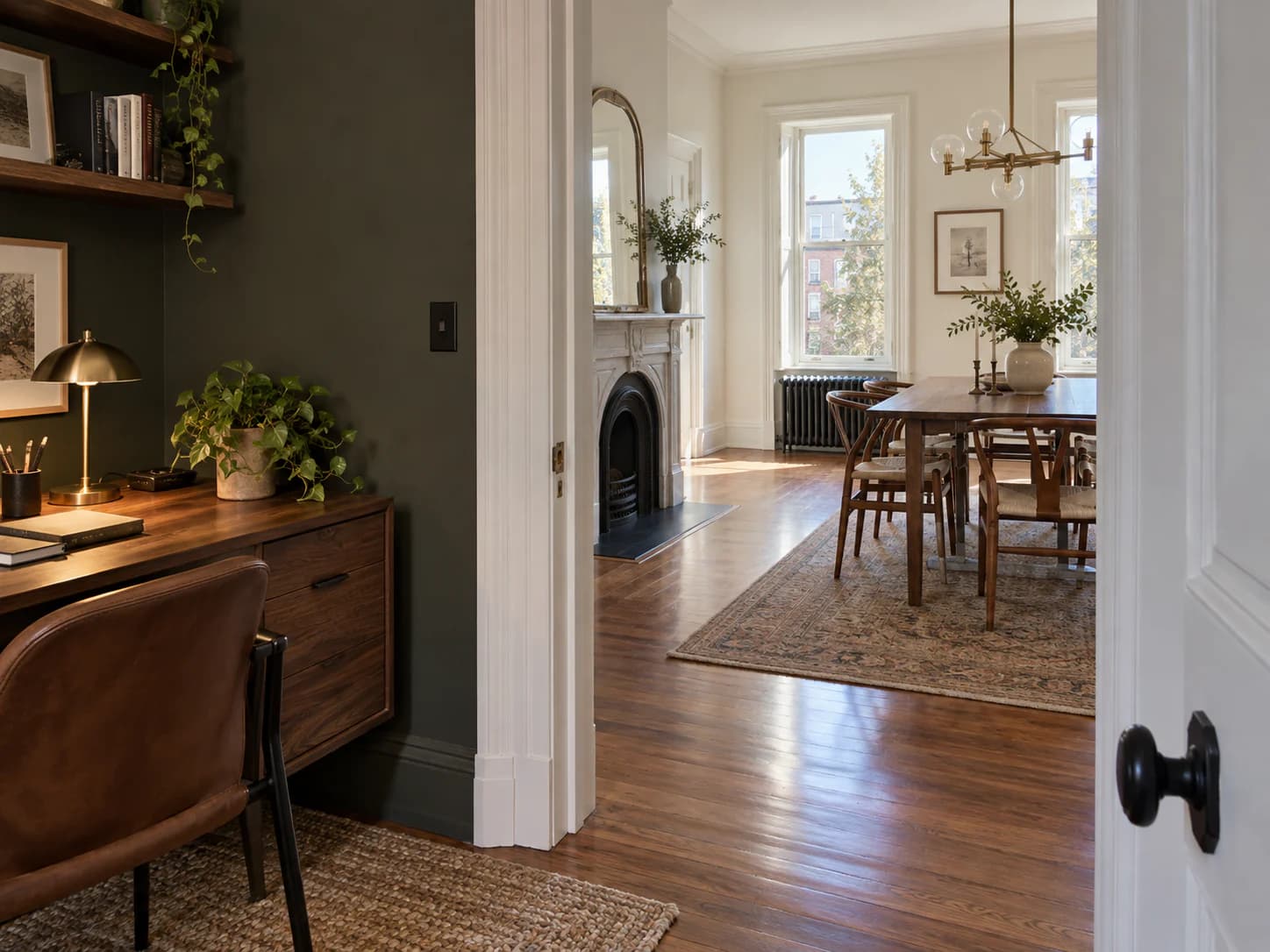
Continuous visual overlap between areas, such as walking through a doorway rather than cutting to the next room, helps Ovara evaluate how spaces connect.
A calm, unbroken walk from the entrance through each connecting space is more useful than a polished edit of individual rooms.
Recorded a walkthrough?
Share the property details and a link to your footage. We'll take it from there.